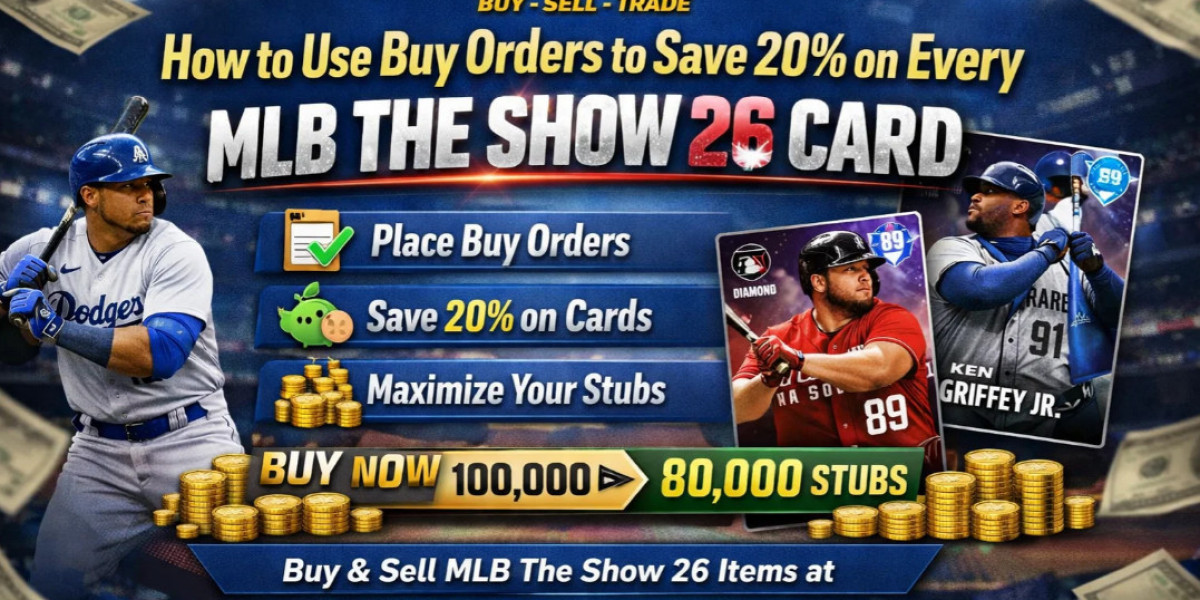

As a seasoned player of MLB The Show 26, you’re probably familiar with the auction house and its importance in building your roster. The game’s marketplace allows you to buy and sell player cards, but what if I told you that there’s a way to save around 20% on every card you buy? Yes, there’s a strategy that many players overlook, and it revolves around using Buy Orders. In this article, we’ll take a deep dive into how to use Buy Orders effectively to save significant stubs and get the players you need for less.
What Are Buy Orders?
A Buy Order is a feature in the auction house that allows you to set a specific price at which you are willing to buy a card. Instead of simply purchasing a card at the current listed price, you can offer a lower price, and if someone else decides to sell it to you at that price, the transaction happens automatically.
In essence, Buy Orders are like setting up a “wish list” of cards you want, but at the price you’re comfortable with. It’s different from simply buying cards outright at their listed price, which can often be inflated, especially for popular players or high-demand cards.
How Do Buy Orders Work in Practice?
Let’s walk through the process of using Buy Orders with a simple example.
Search for the Card: First, you search for a specific player card in the auction house. Let’s say you’re looking for a Diamond-level player, which typically costs a significant amount of stubs.
Set Your Price: Instead of clicking on a card listed for sale at the market price, you’ll set your own Buy Order. This means you’re telling the auction house, “I’m willing to buy this card, but only at this price.”
Wait for the Right Offer: Once your Buy Order is placed, you don’t need to do anything. The auction house will automatically check if any other player decides to sell the card at your specified price. If the price is right, you’ll get the card without having to wait for the market to drop or wait for someone to list it directly at your price.
Saving 20%: In some cases, Buy Orders can save you up to 20% off the current market price. This happens because other players may list cards at a higher price, but when they see your Buy Order, they may be willing to sell it at a lower price to avoid waiting for a sale. Essentially, you're cutting out the middleman and buying directly from players who are trying to offload cards quickly.
Why Do Players Overlook Buy Orders?
If you're not using Buy Orders yet, it could be because you're not fully aware of how they work. Many players make the mistake of just buying cards outright at whatever price they see in the auction house, thinking it’s the only way to get the player they need.
Another reason is impatience. Some players want to get their hands on a card immediately and may not want to wait for the auction house to match their Buy Order with a seller willing to meet their price. However, the waiting game can pay off in the long run by saving you stubs.
When Should You Use Buy Orders?
The best time to use Buy Orders is when you’re targeting high-demand cards or expensive players that fluctuate in price, like Diamonds. Cards that are in high circulation, or ones that other players frequently list, tend to see price drops from time to time, so a Buy Order is a great way to catch a sale when you’re not actively hunting for cards.
That being said, Buy Orders also work well when you’re filling in gaps in your roster with players who are not at the top of the meta but still important for rounding out your squad. If you’re looking to buy a variety of cards rather than a single high-profile player, Buy Orders can ensure you don’t overpay for anything.
How Do You Set Up a Buy Order?
Here’s a simple guide on how to create a Buy Order in the auction house:
Go to the Auction House: Navigate to the Auction House from the main menu.
Search for the Player: Search for the player you’re looking for by name or by position.
Select the Card: Once you find the card, click on it to view its current listings.
Place Your Buy Order: Look for the “Buy Order” option (usually near the “Buy Now” option). Enter the price you’re willing to pay. You can even set a Buy Order for multiple quantities of the card if needed.
Wait for a Match: After placing the Buy Order, all you have to do is wait. If another player decides to sell the card at your price, the transaction will happen automatically, and you’ll be notified.
What Are the Risks of Buy Orders?
While Buy Orders are a great way to save stubs, there are a few risks to consider:
You Might Not Get the Card: If the card never drops to the price you set, or if no one lists it at that price, you may end up without the player you want. That’s the trade-off of saving stubs; you’re willing to be patient and take the risk that the price may never hit your Buy Order.
Market Fluctuations: The price of cards can fluctuate depending on in-game events or promotions, meaning that a Buy Order set at one price may not match the new market price if there’s a sudden spike in demand.
Expired Orders: Your Buy Order may expire if it’s not filled within a certain timeframe, meaning you’ll have to place it again, possibly at a different price.
Can You Use Buy Orders for Specific Platforms Like Xbox?
Yes! If you want to buy MLB The Show 26 stubs Xbox Series, the process works the same way. The Buy Orders feature is available across all platforms, whether you're playing on Xbox Series X, PS5, or any other supported system. This means that regardless of the platform you're on, you can still take advantage of Buy Orders to save stubs and maximize your purchases.
Is It Worth Using Buy Orders?
In the end, using Buy Orders is a solid strategy for any serious MLB The Show 26 player who wants to save on stubs and build their team efficiently. While it’s not a get-rich-quick method, it’s a reliable way to chip away at the high prices of many cards. By setting your own price and waiting for someone else to meet it, you’re essentially taking advantage of the market's fluctuations to save stubs without any added stress.
If you’re playing consistently and targeting cards that frequently change in price, Buy Orders will help you fill out your roster without burning through all your stubs. Just remember, patience is key, and the more often you use Buy Orders, the better you’ll get at predicting which cards will drop to your desired price.
You can safely order MLB The Show 26 stubs through U4N: https://www.u4n.com/mlb-the-show-26/stubs